

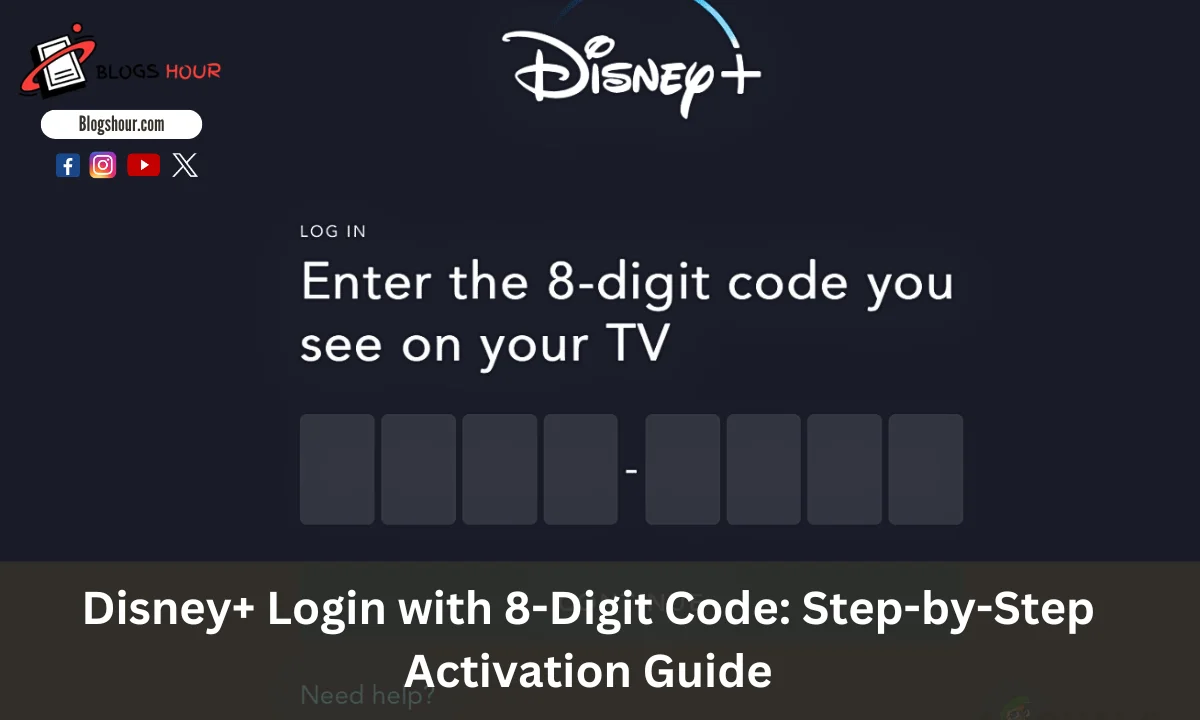
Logging into Disney+ can sometimes be tricky, especially when you need to enter an 8-digit code. Many users face challenges with this process, leaving them confused and unsure of what to do. If you’re stuck on the Disney+ login screen, rest assured that you’re not alone.
The solution is simple: you can use the 8-digit code provided by Disney+ to quickly access your account. By visiting www.disneyplus.com/login/begin, you can easily activate Disney plus on your TV and start streaming your favorite content.
In this guide, we’ll show you exactly how to use this code, resolve common issues, and help you get back to enjoying your favorite shows in no time.
What is the 8-Digit Code for Disney+ Login?
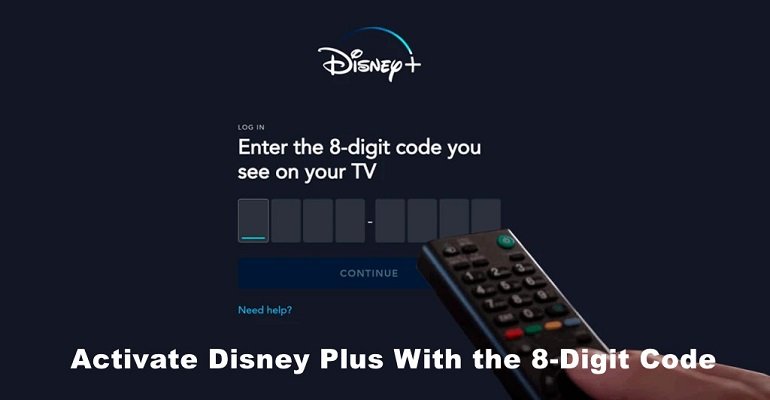
The 8-digit code is a unique and simple way to link your device to your Disney hotstar account. You’ll encounter this code when trying to log in on a smart TV, streaming box, or other supported devices.
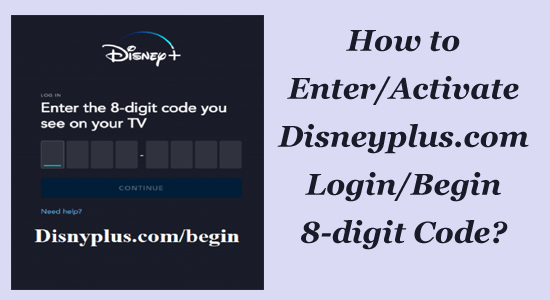
To use the code, visitwww.disneyplus.com/login/begin on a computer or mobile device. Then, enter the code shown on your TV screen. This process speeds up login, eliminating the need to manually type your username and password.
The code is temporary and refreshes every time you log in from a new device. It ensures your account stays secure, allowing only devices you authorize to access your Disney content.
After you enter the code on the website, your device will log in automatically to your Disney+ account, and you can start streaming instantly.
If the code expires before you enter it, simply refresh the page to generate a new one.
In short, the 8-digit code offers a faster and more secure way to log into Disney+, particularly on devices where typing might be challenging.
How to Get the 8-Digit Code for Disney+
To activate Disney on your TV or streaming device, you need to obtain the 8-digit code. Here’s how to get it:
- Open the Disney+ App: Launch the Disney+ app on your TV, streaming device, or gaming console.
- Select ‘Log In’: On the app’s main screen, choose the ‘Log In’ option.
- Choose ‘Log In with Code’: You will be prompted to log in using a code. Select this option.
- Note the Code: An 8-digit code will appear on your screen. Keep this code handy as you’ll need it shortly.
Step-by-Step Guide: How to Log into Disney+ Using the 8-Digit Code
Once you have the 8-digit code, follow these steps to log in:
- Visit the Activation Page: Open a browser on your computer or mobile device and go to www.disneyplus.com/login/begin.
- Enter the Code: On the activation page, type the 8-digit code exactly as it appears on your TV screen.
- Sign In: After entering the code, click ‘Continue’. You’ll be prompted to log in to your Disney+ account. Enter your login credentials (email and password).
- Start Streaming: Once you’ve logged in, your device will refresh, and you can begin watching Disney+ content.
Tips for a Smooth Activation
- Use a Compatible Device: Ensure that your TV or streaming device supports the Disney+ app.
- Stay Within Time Limits: The 8-digit code expires shortly after it is generated. If it expires, simply repeat the process to generate a new one.
- Check Your Internet Connection: A stable internet connection is essential for successful activation.
By following these steps, you’ll be able to easily activate Disney on your TV or streaming device using the 8-digit code.
Troubleshooting Common Disney+ Login Issues
If you encounter login issues with Disney+, don’t worry—many users experience similar problems. Here’s how to fix some of the most common issues:
1. Incorrect Email or Password
Verify that your email and password are entered correctly, and ensure there are no typos or extra spaces. If you can’t remember your password, select “Forgot Password” on the Disney+ login page to reset it.
2. Account Locked Due to Suspicious Activity
If Disney+ detects unusual login attempts, your account may be locked for security reasons. To unlock it, reset your password. If problems persist, contact Disney+ support for assistance.
3. Device Compatibility Issues
Not all devices support Disney+. Make sure your device is compatible. If you’re using an older device, consider updating it or using a different one.
4. Network Problems
A weak or unstable internet connection can disrupt the login process. Check your Wi-Fi connection and restart your router if needed. If using mobile data, ensure you have a strong signal.
5. Browser or App Issues
Sometimes, browser or app issues can cause login problems. Clear your browser’s cache and cookies. If you’re using the Disney+ app, try reinstalling it.
Alternative Login Methods for Disney+
If you’re still having trouble logging in, try these alternative methods:
1. Use a Different Browser or Device
Switch to a different browser or device to see if the issue persists.
2. Log in via the Disney+ Website
Instead of using the app, try logging in directly through the Disney+ website on your computer.
3. Contact Disney+ Support
If none of the above methods resolve the issue, reach out to Disney+ support. They will guide you through further troubleshooting steps.
Remember, most login issues can be solved with a few simple steps. If problems continue, don’t hesitate to ask for help.
Benefits of Using the 8-Digit Code to Log into Disney+
There are several advantages to logging into Disney+ with the 8-digit code:
1. Better Security
The 8-digit code adds an extra layer of security, ensuring that only authorized devices can access your Disney+ account.
2. Quick and Easy
Logging in with the code is faster and easier than manually typing in your password on the device you’re connecting to. It saves time and hassle.
3. Works on Multiple Devices
The code can be used across a variety of devices. Whether you’re using a smart TV, gaming console, or streaming stick, the code works seamlessly.
4. Short Timeframe for Extra Security
The 8-digit code expires quickly, which adds a layer of protection in case you forget to log out of your device.
Disney+ Streaming Device Compatibility
Disney+ is compatible with many devices, giving you flexibility in choosing the best platform to stream your favorite shows and movies.
Smart TVs:
- LG Smart TVs (webOS 4.0 or newer)
- Samsung Smart TVs (Tizen OS 2016 or newer)
- Hisense Smart TVs (VIDAA 2.5 or later)
- Vizio Smart TVs (SmartCast)
Streaming Devices:
- Amazon Fire TV and Fire Stick
- Apple TV (4th generation and later)
- Google Chromecast
- Roku (select models)
Gaming Consoles:
- PlayStation 4 and 5
- Xbox One and Xbox Series X|S
Mobile Devices:
- Android phones and tablets (Android 5.0 or later)
- Apple iPhones and iPads (iOS 11.0 or later)
Web Browsers:
- Google Chrome
- Mozilla Firefox
- Safari
- Microsoft Edge
The 8-digit code simplifies linking your Disney+ account to any of these devices, making your streaming experience more enjoyable.
Security Considerations When Using the Disney+ 8-Digit Code
Using the 8-digit code for logging into Disney+ is secure, but there are a few precautions to keep in mind to protect your account and personal data.
Stay Alert for Phishing Attempts
Phishing scams are a major security concern. Fraudsters may attempt to steal your personal details by sending fake emails or messages that look like they’re from Disney+. Always make sure you’re entering your 8-digit code only on the official Disney+ website or app. Never share your code or personal information through suspicious links.
Keep Your Account Details Safe
A strong password is essential for securing your Disney+ account. Avoid using easily guessable passwords like names or birthdates. Instead, create a password with a mix of letters, numbers, and symbols to enhance security. Using a unique password for your Disney+ account also helps protect you from unauthorized access.
Monitor Your Account for Unusual Activity
Regularly check your Disney+ account for unusual activity. If you notice unfamiliar devices or changes you didn’t make, it could indicate someone is using your account without permission. In such cases, change your password immediately and report the issue to Disney+ support.
Use Secure Devices
Whenever possible, use secure devices to log into Disney+. Avoid logging in on public computers or shared devices, as they might be compromised. Ensure that your devices are protected with passwords and security software for added protection.
Last Words
Logging into Disney+ with the 8-digit code is a fast and secure option for most users. It simplifies the login process and adds an extra layer of protection to your account. To maximize security, always be cautious of phishing scams, use strong passwords, and monitor your account for unusual activity. By following these practices, you can enjoy a worry-free streaming experience on Disney+.