

Managing your Kohl’s Credit Card online is now easier than ever. With the shift to Capital One for account services, accessing your account through mykohlscard.com login has become a streamlined process. Whether you’re looking to activate your card, make a payment, or monitor your rewards, this guide will walk you through each step. Stay ahead of potential issues by understanding the latest login procedures and features. Let’s ensure you make the most of your Kohl’s Credit Card benefits.
How to Log In to MyKohl’sCard.com
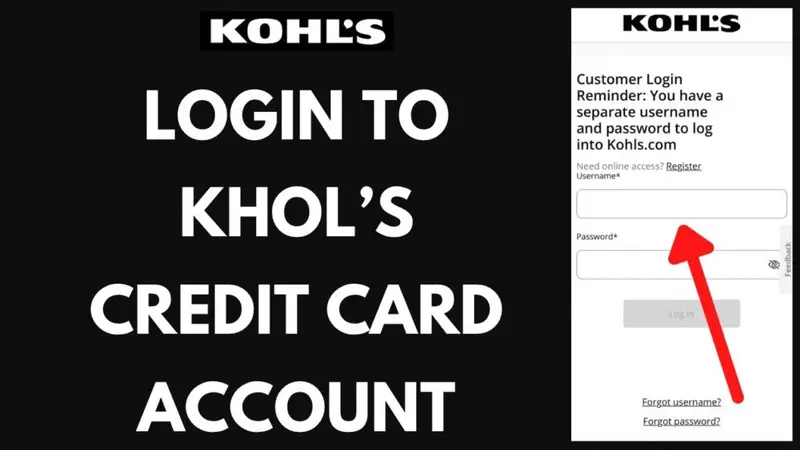
To check your card balance, pay bills, or see recent activity, you need to sign in to your account. The login process is now handled by Capital One, not Kohl’s directly.
Steps to Log In
- Go to kohls.capitalone.com. This is the official login site.
- Type in your username and password.
- Click the sign-in button.
Once you’ve entered the correct information, you’ll be directed to your account dashboard.
Forgot Your Username or Password?
If you’ve forgotten your login credentials, don’t worry. You can easily reset them.
- Click on the “Forgot Username or Password?” link on the login page.
- You’ll need to enter your card number, last name, and date of birth.
- Follow the on-screen instructions to reset your username or password.
Common Login Problems
- Ensure your browser is up-to-date.
- If the page doesn’t load, try clearing your cookies and cache.
- Avoid using auto-fill if you’ve recently changed your login details.
Once you’re signed in, you’ll have access to your account dashboard, where you can manage your account, view balances, and set up alerts.
How to Activate Your MyKohl’sCard
After receiving your new card, it’s essential to activate it. Until activation is complete, you won’t be able to use the card in stores or online. With Kohl’s card services now under Capital One, the activation process has changed.
Method 1: Activate Online
- Visit kohls.capitalone.com and log in to your account.
- Look for the activation option in your account menu.
- Enter the card details you received in the mail.
- Confirm the details, and your card will be active.
Method 2: Activate by Phone
- Call 844-391-1735 to activate your card.
- Follow the voice instructions.
- Have your card number and personal details handy.
What to Do After Activation
- Sign the back of your card immediately.
- If the card is a replacement, cut up the old one.
- Double-check your account settings. Paperless billing and AutoPay often carry over automatically.
- The activation process is fast and free, meaning your card will be ready for use in no time.
Paying Your Bill on MyKohl’sCard.com
Paying your bill online is simple and works seamlessly across devices. You can make payments through your computer or mobile phone in just a few steps.
How to Pay Your Bill
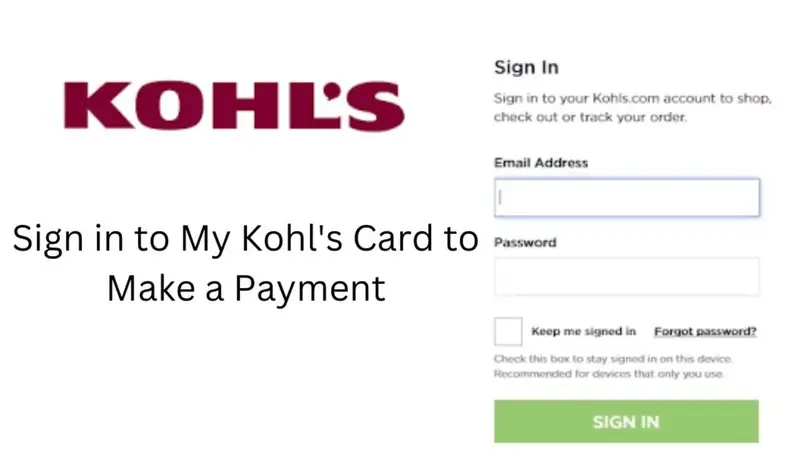
- Visit the MyKohl’sCard website.
- Log in with your username and password.
- Once you’re logged in, locate the “Make a Payment” option.
- Enter the payment amount.
- Choose your bank account or payment method.
- Confirm the payment. You’ll receive a confirmation message once the payment is processed.
You can pay the full bill or the minimum amount. Additionally, you can set up AutoPay to ensure your bill is paid on time each month without effort.
Payment Processing Times
Payments made before 7 p.m. Central Time on weekdays are usually processed on the same day. Payments made after that time will be processed the next business day.
Tip: Always double-check the payment amount and selected account to avoid delays or late fees.
How to Use MyKohl’sCard Paperless Login
Switching to paperless login can save you time and keep your account secure. Instead of waiting for paper bills, you’ll receive everything online.
Setting Up Paperless Statements
- Log in to your MyKohl’sCard account.
- Go to “Account Settings” or “Profile.”
- Find the option for “Paperless Statements.”
- Turn it on and confirm your email address.
Once set up, you’ll receive monthly emails when your new statement is available. You can access, download, or print it anytime you wish.
Why Paperless Login Helps
- It’s more secure than receiving paper bills.
- You can access your statements anytime.
- It reduces paper waste.
- It makes tracking your spending easier.
Paperless login is a convenient, safe, and efficient way to manage your account. You can turn it off at any time, but most users find it preferable for its ease and security.
How to Manage Your Account Once Logged In
Your MyKohl’sCard account dashboard offers numerous features, allowing you to manage your account without needing to contact support.
Features You Can Access
- Check your current balance and available credit.
- View or download past statements.
- Make one-time or automatic payments.
- Update personal information like your phone number or email address.
- Change your payment due date, if necessary.
- Set up alerts for due dates or new transactions.
- Request a replacement card if yours is lost or damaged.
The Capital One app is also available, providing all these features right on your phone. It’s perfect for quick checks and payments while on the go.
If you need to change your password or username, simply visit your account settings and follow the on-screen steps. It’s quick and easy.
Troubleshooting Common Issues
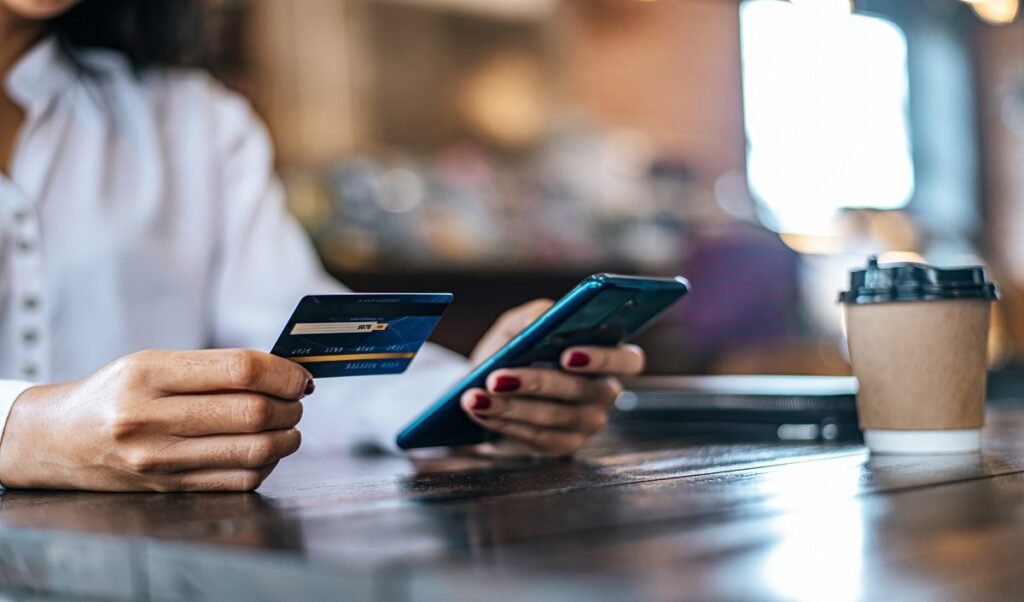
Sometimes, you may encounter problems when logging in or managing your account. Fortunately, most issues are easy to fix.
Common Problems and Solutions
- Forgot Password: Click the “Forgot Password” link on the login page. You’ll receive a link to reset your password. Make sure to create a strong new password.
- Account Locked: If your account is locked due to too many failed login attempts, wait 15 minutes and try again. If the issue persists, contact customer support.
- Website Not Loading: Try clearing your browser history and cookies, or use a different browser like Chrome or Firefox.
- Verification Code Not Received: Ensure your contact information is up to date. If you don’t see the code, check your spam folder or resend it.
- Error Messages After Logging In: These are often due to website maintenance. Wait a while and try again.
If you still can’t resolve the issue, call the customer support number on the back of your Kohl’s card. The team will help you fix the issue.
How to Sign Up for MyKohl’sCard.com
New users will need to register before they can access their MyKohl’sCard account online. The registration process is quick and simple.
Steps to Register
- Go to www.mykohlscard.com.
- Click “Register” below the login fields.
- Enter your 12-digit Kohl’s Card discount number and your last name.
- Create a username and password.
- Set up security questions for added security.
- Review and accept the terms.
- Click “Submit” to finish the registration.
Once registered, you’ll be able to log in anytime and manage your account, pay bills, track your rewards, and more.
Why Choose MyKohl’sCard?
If you frequently shop at Kohl’s card holder, a MyKohl’sCard can significantly enhance your shopping experience. It offers more than just a store credit card; it provides access to discounts, rewards, and convenient account management.
Key Benefits of MyKohl’sCard
- Exclusive Discounts: Enjoy special cardholder-only discounts all year round. When you first get approved, you can use a 35% or 40% off coupon for your first purchase. After that, you’ll receive other special offers through email and mail.
- Rewards Program: Earn 7.5% rewards on every purchase. These rewards turn into Kohl’s card Cash, which you can use like real money on future shopping.
- No Annual Fee: There’s no yearly fee for having the card. Additionally, if you spend $600 in a year, you unlock MVC (Most Valued Customer) status, which includes extra discounts and sometimes free shipping offers.
You can manage your card online through MyKohlsCard.com or via the Capital One app. Both options allow you to check your balance, pay your bills, and track your spending with ease.
Should you miss a payment or need assistance, customer support is available via the website or by phone.
MyKohl’sCard is a straightforward credit card offering solid rewards, especially if Kohl’s is one of your favorite stores.
Last Words
MyKohl’sCard is a great option for frequent Kohl’s 40% off shoppers. It provides substantial savings, valuable rewards, and exclusive deals that are not available to regular shoppers.
The card doesn’t cost anything to maintain, and it lets you control your spending while earning rewards with every purchase.
Most importantly, it ensures you save money on things you buy regularly.
Just remember to stay on top of your payments and monitor your spending to enjoy the benefits stress-free.
If you’re looking to make your Kohl’s shopping experience even better, this card is definitely worth considering.
